
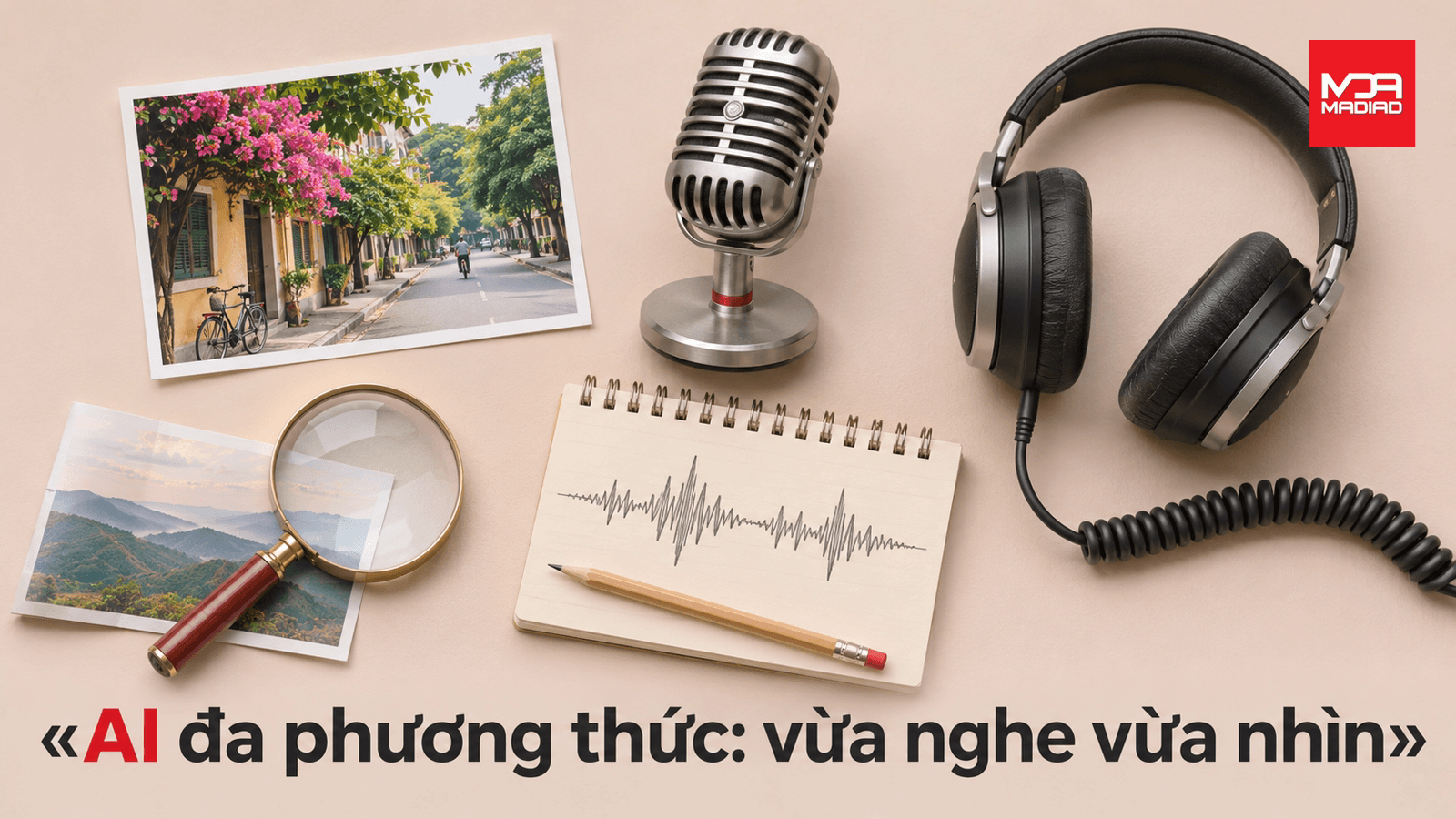
Three shop owners I know recently told me the same story: a customer sends a photo of a damaged product along with a minute-long voice complaint, and they have to listen, look, then type it all back into a tidy question for AI. The problem is that most AI only reads text, so the photo and the voice message get skipped, and important context gets lost. There is actually a kind of AI that can process images, voice, and text all at once, called multimodal AI. This article is part of MADIAD's 'AI from Zero' series, explaining the concept with everyday examples, no coding required.
When a customer sends you both a photo and a voice message
This happens every day in shops and offices: a customer photographs a dented product and records a voice message explaining why they are upset. You open the photo, play the recording, and mentally combine both into one full picture of the problem. If you want AI to help draft a reply, you usually have to retype the main point as text, because most AI only reads written words. That translating step takes time, and small details get lost, like which corner is dented or which word the customer stressed. The common thread in these situations is that information arrives through several different channels at once: image, voice, sometimes text in an accompanying message. People handle this naturally, because eyes and ears already work together. But an AI that only reads text cannot do that on its own; it needs someone standing in the middle as a translator. This is why AI that sounds advanced in ads often gets stuck at the very first step in real use: getting both the image and the voice into the same conversation. The next section explains the kind of AI built so that translator in the middle is no longer needed.
What is multimodal AI: one AI, many senses
Multimodal AI is a system that can receive and understand several types of data at the same time, not just written text. Picture the human brain: when you hear someone speak while also watching their face, your brain combines both signals to get the full meaning, even if they say 'I'm fine' while frowning. Multimodal AI works in a similar way, except its 'senses' are called modalities, meaning separate types of data such as text, images, audio, or video. Each modality works like one human sense: text is like reading, an image is like seeing, a voice recording is like hearing. An AI that only reads text is like a person who can read but cannot hear; someone still has to type the voice content into words first. Multimodal AI skips that retyping step: you hand it the photo of the damaged product and the audio file of the complaint directly, and it looks at the damage in the photo, listens to the recording, then combines both to answer with the right context. The main difference from a text-only AI is not that it is smarter, but that it receives more types of input, like gaining extra eyes and ears instead of relying on a single channel. If you want to see MADIAD's AI products built around this multi-sense idea, you can check the products page.
Try it in 5 minutes: give an AI one photo and one spoken sentence
The fastest way to understand multimodal AI is to try it yourself, no extra theory needed. Prepare any photo, for example a picture of an item at home, and think of a question you will ask out loud, like 'does this item have any damage'. Open a chat AI app with a free tier on your phone, such as the free version of ChatGPT, then tap the attachment button to upload the photo into the chat. Next, tap the microphone button instead of typing, and say your question out loud so the app converts your voice into a question sent along with the photo. Wait a few seconds for the reply. If the AI describes the photo correctly and answers the exact question you asked, it has processed both modalities, image and voice, in a single exchange. If the answer sounds generic or ignores details in the photo, try again with a clearer picture or speak more slowly and clearly. This exercise needs no paid account and no coding knowledge, just a phone with an internet connection. Once you do it, you will clearly feel the difference between typing a description yourself and handing the image and voice directly to AI.
Common mistakes, and when multimodal AI isn't ready to use yet
A common mistake is assuming multimodal AI always understands every blurry photo or noisy recording correctly, when in reality it often misreads things when a photo is poorly lit or a voice message is covered by background noise. Just as a person looking at a blurry photo can misjudge details, multimodal AI works the same way: weak input quality leads to weak output quality. So do not assume the AI is automatically correct just because it can handle both image and voice. Another limit involves sensitive information, such as a phone number spoken in a recording or personal documents captured in a photo; a person should review that before saving it or using it for any decision, especially an important one involving money or contracts. AI can suggest an answer, but a person still has to make the final call. Applying AI to real operations with this kind of human review in place is also a general principle behind AI and automation services for businesses. Beyond that, multimodal AI is not always necessary. If a customer's question is plain text, like asking for opening hours or the shop address, typing into a regular AI chat is already fast and accurate enough, with no need to add a photo or voice recording. Used at the right moment for the right task, the tool is helpful; used for every small thing, it becomes unnecessary extra work.
Continue the 'AI from Zero' series by MADIAD
This article is just a starting point to help you recognize multimodal AI when you meet it in real life, not a list of technical terms to memorize. The one idea worth keeping is simple: some AI systems now process several types of data at once, image, voice, text, like gaining more senses than a text-only AI. If you already tried the exercise in the earlier section, you now have a real experience with this idea, not just theory. Saving this article is the simplest way to come back to it later, for example when you are choosing a new AI app for work and want to know if it handles images and voice. MADIAD's 'AI from Zero' series has more articles like this one, each explaining one AI concept through everyday examples, with no technical background required. If the explanation of modality above made you curious about how AI tells an image apart from a video, or why some AI only handles text and not images, that is exactly what the next articles in the series cover. Read each one slowly, try the exercise that comes with it, and you will get comfortable with AI without needing a formal class.
Conclusion
In short, multimodal AI is AI that can process several types of data at once, such as images, voice, and text, instead of only reading written words like before. Understanding this concept helps you recognize when to hand images and voice directly to AI, and when simply typing is already enough. One step you can take today is to open an old customer conversation that included a photo or voice message, and try feeding both into a free AI app to see how well it understands them. Save this article and keep reading the other pieces in MADIAD's 'AI from Zero' series to get comfortable with each AI concept, explained simply.
Frequently asked questions
Does a multi-channel AI chatbot (Chatbot đa kênh) fit a small shop that is new to AI?+
Yes, the multi-channel AI chatbot (Chatbot đa kênh) is custom-designed per business size, so a small shop can start with simple tasks like answering questions about opening hours or prices. When customers begin sending product photos or voice complaints, the system can expand to handle those data types later, without starting over. No technical background is needed on your side, just a description of how you currently handle customer messages. Contact MADIAD to discuss a starting point that fits your shop's size.
Does the multi-channel AI chatbot integrate with channels where customers often send photos and voice messages, like Zalo and Messenger?+
Yes, the multi-channel AI chatbot integrates with Facebook, Zalo, Telegram, and WhatsApp, the channels customers often use to send product photos or voice complaints. The system pulls messages from these channels into one shared inbox, so tracking and replying does not get split across separate apps. The exact level of integration depends on which channels you already use and how you want to operate. Book a demo with MADIAD to see the connection process on the channels you currently have.
What kind of AI does the multi-channel chatbot use to understand images and voice? Can it replace staff having to listen to recordings and retype them?+
Depending on your needs, the multi-channel chatbot uses multimodal AI models suited to each task; MADIAD does not lock clients into a single platform, and picks the tool that fits each task. As for replacing manual work, the system reduces the part where staff have to listen to recordings and retype them, since AI can process the image and audio files customers send directly. The final call on tricky replies still needs a person watching over it. Contact MADIAD to find out which AI setup fits the channels and data types you currently receive.
After deployment, what does MADIAD support, and what can the business handle on its own?+
After deploying the multi-channel chatbot, MADIAD provides training on how to monitor conversations, updates the AI model when new versions become available, and handles technical issues when they come up. The business can handle day-to-day reply content on its own, such as adding new products or changing opening hours, without waiting on outside help. This clear split lets you know when to handle something yourself and when to call for support. Contact MADIAD for the full list of support items included after handover.
What does a business need to prepare before MADIAD deploys a multi-channel chatbot that handles images and voice?+
Before deployment, a business needs to prepare a list of common questions customers send along with photos or voice messages, so the system learns the typical context correctly. It also needs to identify which channels are already in use, such as Zalo or Facebook, and who will monitor conversations when the system hands off a tricky question to a person. No complex technical data preparation is needed on your end; that part is handled by MADIAD. Contact MADIAD for a detailed preparation checklist matched to your business model.